
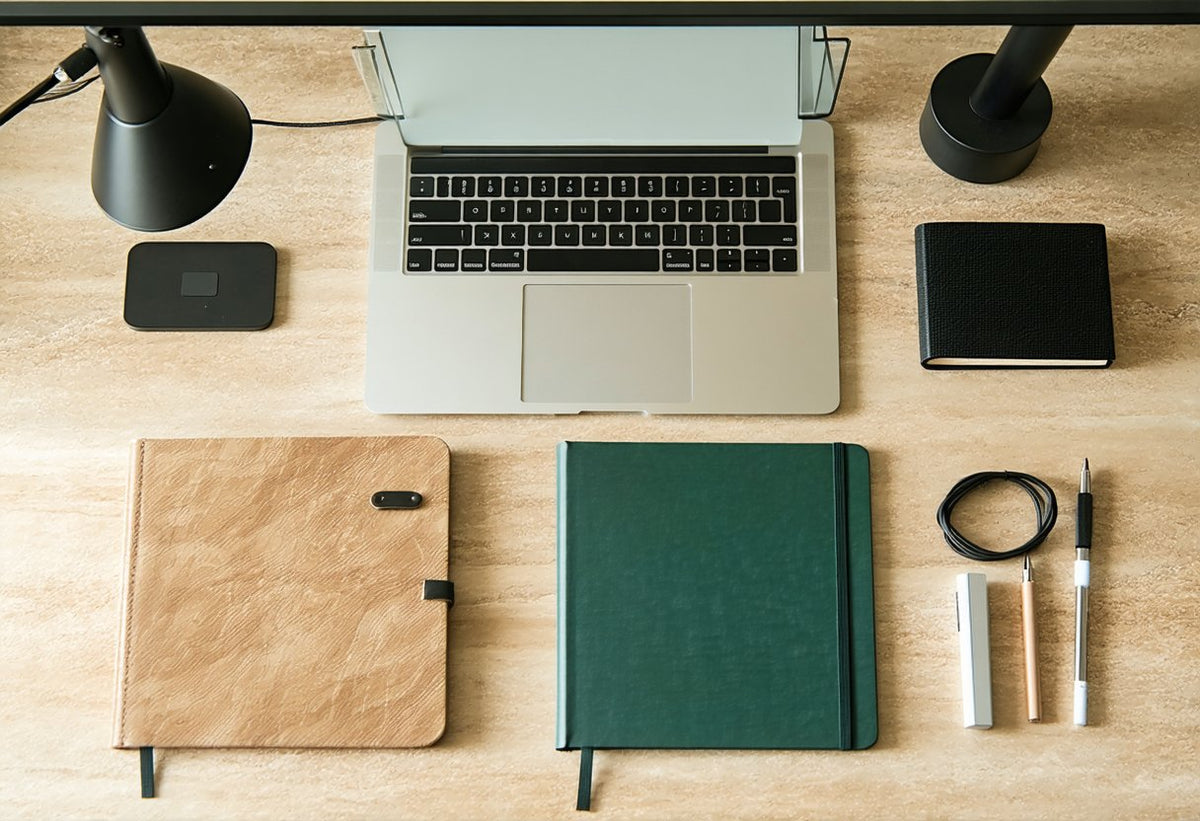
The Five-Step Desk Reset
A cluttered desk is rarely the result of too many things. It is usually a few things in the wrong place: a screen that's too low, light from the wrong side, and cables that cross the surface instead of running under it. You can fix all of it in an afternoon.
1. Clear everything off
Take everything off the desk, including the cables. Wipe the surface. You will put back only what you use daily, and each item will get a set place.
2. Raise the screen
Working on a laptop flat on the desk pulls your head forward. The top of the screen should sit roughly at eye level, or a little below it. A laptop stand lifts the screen and angles the keyboard away from you, so pair it with a separate keyboard and mouse for long sessions.
Our Aluminum Laptop Stand adjusts from 3.1 to 5.5 inches and fits laptops from 11 to 17 inches. Silicone pads keep the laptop and the stand from sliding, and it folds flat when you need the space back.
3. Fix the light
Put the lamp on the opposite side of your writing hand, so your hand doesn't throw a shadow across the page. Match the color temperature to the time of day:
- 5000 K (cool): focused work in daylight hours
- 4000 K (neutral): general use, video calls
- 3000 K (warm): evenings, reading, winding down
The LED Desk Lamp has all three settings and five brightness levels, set with a touch on the base. It runs on USB-C, so it can share a power strip or hub with the rest of the desk.
4. Consolidate ports into one cable
Most desk cables exist to plug things into the laptop: a monitor, a drive, a card reader, the charger. A hub turns them into a single connection. Plug the hub in, and the whole desk connects; unplug it, and the laptop is free to go.
The USB-C Hub — 7-in-1 adds HDMI at 4K/30 Hz, two USB-A ports at 5 Gbps, SD and microSD slots, and 100 W pass-through charging, so the charger goes through the hub too.
5. Route every cable under the desk
Now work from the wall outward:
- Mount an under-desk tray and place the power strip inside it.
- Run each cable from the strip up the back edge of the desk, held with adhesive clips.
- Bundle any slack with reusable ties and tuck it into the tray.
- Leave only one cable visible on the desk: the one that goes into your laptop or hub.
Our Cable Management Kit includes two trays, 12 clips and 5 ties, enough for a full single desk. Clean the surface with alcohol before applying the clips so the adhesive holds.
Keep it that way
Once a week, return anything that has wandered onto the desk. Because every item now has a place, the reset takes two minutes instead of an afternoon.